
Understanding how smart meeting rooms work is essential for companies aiming to accelerate digital transformation. Many businesses already use this technology, yet not all fully grasp how the system operates as a whole. With a clear understanding of its mechanism, you can maximize meeting efficiency and significantly improve team productivity.
A smart meeting room is not just a meeting space with a large display. It is a complete ecosystem that integrates hardware, software, and network systems into a unified, automated, and efficient environment.
The Core Concept of How Smart Meeting Rooms Work
At its core, how smart meeting rooms work revolves around system integration. Every device inside the room is interconnected and can be controlled automatically or through a centralized system.
When users enter the meeting room, the system activates instantly. Devices such as displays, cameras, microphones, and presentation systems are ready without complicated manual setup.
This seamless experience is made possible by a central system that synchronizes all connected devices.
Integration System: The Brain of a Smart Meeting Room
The most critical component is the integration system. It acts as the “brain” that connects and controls all devices.
How This System Operates
The integration system connects:
- Display devices
- Audio and video systems
- Internet network
- User devices such as laptops or smartphones
When one device is activated, the system responds instantly. For example, when a laptop connects, the display automatically shows the content. When a video conference starts, the camera and audio system activate simultaneously.
All processes happen within seconds without complex technical intervention.
The Role of Network Connectivity
The internet plays a vital role in ensuring smooth performance. Without a stable connection, the system cannot operate optimally.
Network-Based Workflow
During a meeting:
- Presentation data is transmitted to the display
- Video conferencing runs in real-time
- Files are shared via cloud systems
- Collaboration happens simultaneously
The network serves as the backbone that connects all digital activities within the meeting room.
How Smart Meeting Rooms Work
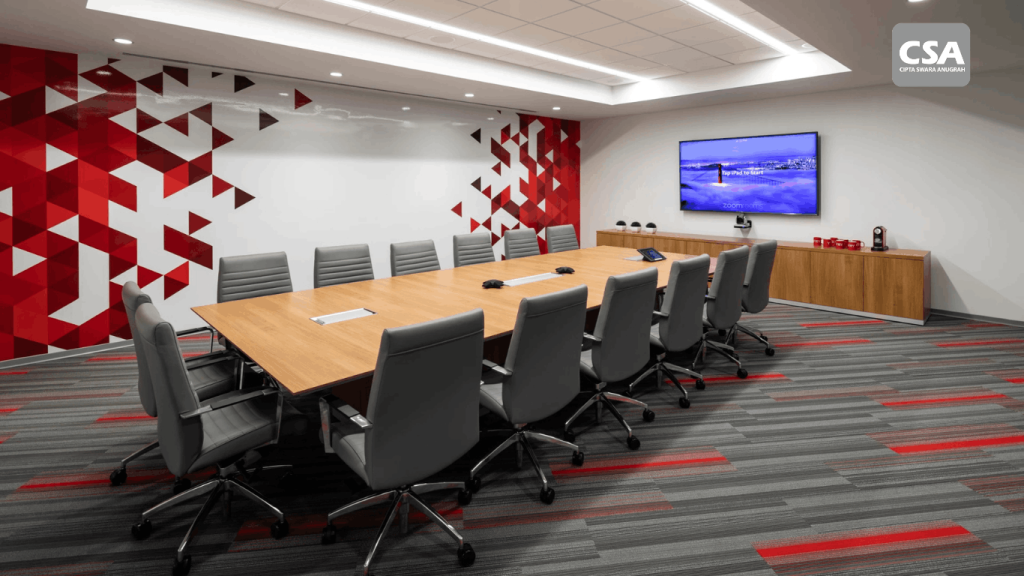
Interactive displays function as the visual center of a smart meeting room. They not only present content but also enable direct interaction.
Working Mechanism of Interactive Displays
When a user presents content:
- The system receives input from the device
- The content appears on the main screen
- Users can write or edit directly on the display
- All changes are saved digitally
This technology transforms meetings into dynamic and interactive sessions.
Wireless Presentation System Explained
Wireless presentation is one of the most practical features in a smart meeting room. It eliminates the need for cables.
How It Works
Users simply:
- Connect their device to the same network
- Access the presentation system
- Share their screen instantly
The system detects the device and displays the content on the main screen without delay.
Video Conferencing System in Smart Meeting Rooms
Video conferencing is essential, especially in hybrid work environments.
How the System Works
When a meeting starts:
- The camera captures participant visuals
- The microphone records clear audio
- The system transmits audio and video data عبر the internet
- Remote participants can see and hear in real-time
All processes occur with minimal latency, ensuring natural communication.
Automation in Smart Meeting Rooms
Automation is one of the biggest advantages of this system. Many processes run without manual control.
Examples of Automation
- Display turns on when a device connects
- Camera activates when a meeting starts
- Audio adjusts volume automatically
- System powers down when the room is empty
This automation enhances efficiency and minimizes disruptions.
Complete Workflow of a Smart Meeting Room
To fully understand, here is the complete workflow.
1. Before the Meeting
Users:
- Reserve the room through a digital system
- Prepare materials via device or cloud
The system is ready before users enter the room.
2. During the Meeting
When users enter:
- The system detects activity
- Devices turn on automatically
- Presentations start instantly
- Remote participants can join
Everything runs smoothly without manual setup.
3. During Discussion
Participants can:
- Share screens
- Collaborate interactively
- Write notes directly on the display
- Save data automatically
This process improves collaboration efficiency.
4. After the Meeting
After the session:
- All data is stored automatically
- Files can be shared with participants
- The system returns to standby mode
No additional steps are required.
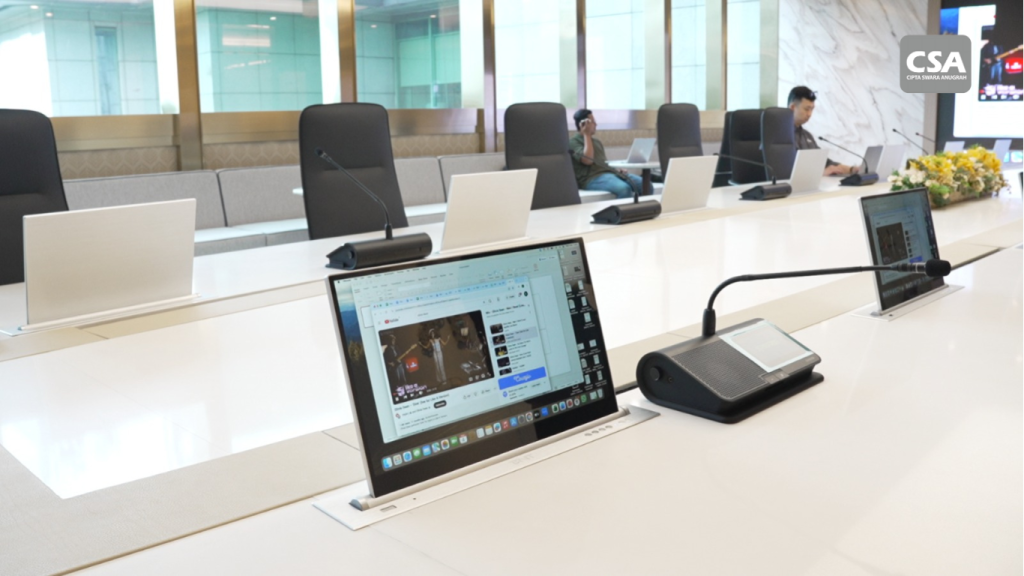
The Role of CSA Indonesia in Professional Smart Meeting Room Implementation
In real-world implementation, understanding how smart meeting rooms work is not enough without professional system integration. This is where CSA Indonesia plays a crucial role as a specialist in Audio, Visual, Lighting, and Automation solutions for business environments.
CSA Indonesia delivers smart meeting room solutions that go beyond hardware installation. They focus on full system integration tailored to each company’s needs, including room size, number of users, and meeting activities.
With this approach, every component—from interactive displays and audio systems to conferencing cameras and automation controls—works in perfect synchronization. The result is a stable, responsive, and user-friendly meeting environment.
Additionally, CSA Indonesia ensures that every system meets high-quality standards and remains easy to operate. This allows companies not only to adopt advanced technology but also to utilize it effectively for better productivity.
Factors That Affect Smart Meeting Room Performance
To ensure optimal performance, several factors must be considered.
Device Quality
High-spec devices provide better stability and responsiveness.
Network Stability
Poor network performance can cause delays, especially in video conferencing.
System Integration
Better integration leads to smoother workflows.
Ease of Use
User-friendly systems accelerate adoption and efficiency.
Common Mistakes in Using Smart Meeting Rooms
Despite advanced technology, common mistakes still occur.
Underutilizing Features
Many users only use the display for presentations, ignoring advanced collaboration features.
Unstable Network
Ignoring network quality can disrupt the entire system.
Lack of Training
Without proper training, users cannot maximize system potential.
Why Understanding This System Matters
Knowing how smart meeting rooms work helps companies:
- Optimize technology usage
- Reduce meeting downtime
- Improve work efficiency
- Maximize return on investment
With proper understanding, a smart meeting room becomes more than a tool—it becomes a strategic asset.
Conclusion
How smart meeting rooms work is centered on integration, automation, and ease of use. All devices operate within a unified system to create a fast, efficient, and professional meeting experience.
With a clear understanding and support from professional integrators like CSA Indonesia, companies can fully leverage this technology and build a more productive work environment.
FAQ About How Smart Meeting Rooms Work
1. What is the core principle of a smart meeting room?
It is the integration of devices into a unified system that operates automatically through a network.
2. Do all features require internet connectivity?
Most features do, especially video conferencing and cloud collaboration.
3. Can smart meeting rooms operate without cables?
Yes, most systems support wireless presentation.
4. How does the system detect connected devices?
Through network-based detection and integrated system protocols.
5. Is the system secure?
Yes, as long as it uses secure networks and proper access control.
6. Is it difficult to learn?
No, the system is designed to be user-friendly and easy to adapt.
7. What happens if the network fails?
Some features like video conferencing may be affected, but local presentations can still run.
By understanding this system thoroughly, businesses can move beyond trends and lead digital transformation effectively.