
Audio Visual Systems for Corporate Town Halls help businesses communicate company updates, align teams around shared goals, and create more open conversations between leadership and employees. A town hall is more than a regular meeting or an executive presentation. It gives organizations an opportunity to discuss business performance, explain strategic priorities, announce important changes, and listen to employee feedback.
A corporate town hall may involve dozens or hundreds of participants. Some employees may attend in person, while others join from branch offices or remote locations. Companies need to make sure everyone can hear the speakers, follow the presentation, and participate in discussions without unnecessary technical barriers. These requirements become even more important when the event uses a hybrid format.
However, a successful town hall depends on more than the equipment in the room. Companies also need to plan the event agenda, define how participants will interact, consider the room layout, and prepare the technical team. With the right approach, a town hall can become a more effective channel for internal communication and collaboration.
Understanding the Role of Town Halls in Corporate Communication
A corporate town hall is an internal forum that brings company leadership and employees together. Organizations typically use it to share important information with the wider workforce or a large employee group.
Unlike operational meetings that focus on daily tasks, town halls address broader business priorities. Leadership may discuss company performance, strategic objectives, organizational changes, and plans for the next business period.
What topics are usually covered in a town hall?
The agenda depends on the company’s objectives and current priorities. Common topics include:
-
Business updates: Leadership shares company performance, progress against targets, and current challenges.
-
Strategic priorities: Executives explain business objectives and the contributions expected from different teams.
-
Organizational changes: The company communicates policy updates, structural changes, or new working procedures.
-
Employee recognition: Leaders acknowledge individual or team achievements and reinforce company values.
-
Employee Q&A: Staff members can ask questions, raise concerns, and provide feedback directly.
These discussions help organizations communicate information consistently. Employees can also understand the reasoning behind management decisions instead of receiving announcements without context.
Why are town halls important for employees?
Different departments may interpret company information in different ways. A message shared with one team may not reach another team with the same clarity or context.
Town halls help reduce these communication gaps by bringing leadership and employees into the same discussion. Executives can explain priorities, clarify decisions, and respond to questions.
The format also creates an opportunity for two-way communication. Employees are not simply receiving information; they can participate in conversations that affect their work and the wider organization.
To support this interaction, companies need to make the event accessible and easy to follow. Clear speech, readable presentation materials, and smooth transitions between sessions all contribute to a better experience.
How Corporate Town Halls Work in Office Environments
A town hall does not always require a dedicated auditorium. Companies can host these events in multipurpose rooms, training spaces, office auditoriums, or open areas with suitable capacity and facilities.
The choice of venue depends on attendance, event format, and available infrastructure. Companies should also consider whether the event will involve employees from one office or connect teams across several locations.
Matching the room to the event agenda
A town hall focused on executive presentations has different requirements from one featuring panel discussions or extensive employee Q&A. Seating arrangements, speaker positions, and display locations should support the planned activities.
Employees at the back of the room should still be able to hear speakers and view presentation content comfortably. If remote participants are joining, cameras also need suitable positions to capture the speakers and relevant activities.
The layout should account for audience movement and the work of the event team. Equipment must not obstruct entrances, emergency exits, or other essential access routes.
For a broader overview of workplace technology planning, companies can explore CSA Indonesia’s article on Audio Visual for Corporate Offices: What Systems Are Needed?. It explains why different office spaces require solutions based on their specific activities and operational needs.
A typical corporate town hall agenda
A company might organize its town hall around the following sequence:
-
Opening: The moderator introduces the agenda and welcomes the speakers.
-
Leadership presentation: Executives discuss business performance, achievements, and upcoming priorities.
-
Internal updates: The company shares important policies, programs, or organizational announcements.
-
Employee Q&A: Participants ask questions in person or through the conferencing platform.
-
Closing: The moderator summarizes key messages and outlines any relevant follow-up actions.
Each stage creates different technical requirements. Presentations need clear visual content, Q&A sessions require suitable microphone arrangements, and hybrid events need reliable audio and video connections.
Understanding the agenda helps companies plan around actual activities instead of selecting equipment based only on specifications.
Key Audio Visual Components for Corporate Town Halls
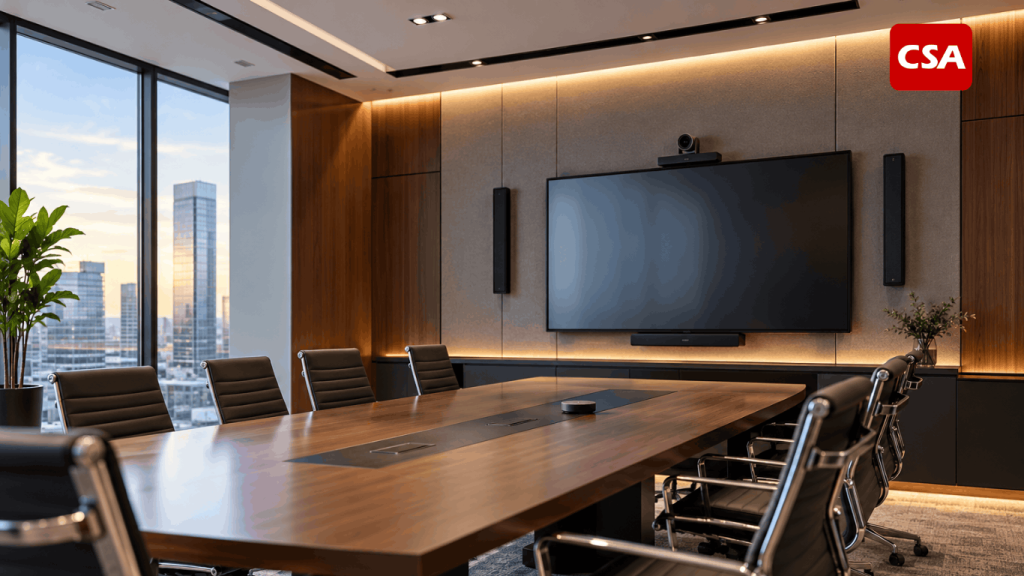
The right technology depends on room capacity, the number of speakers, the event format, and the participation of remote employees. Companies should consider how each component contributes to the overall communication experience.
1. Audio systems for clear communication
Participants need to hear every speaker without straining to understand the message. Microphones and loudspeakers should therefore match the room size and the way speakers present their content.
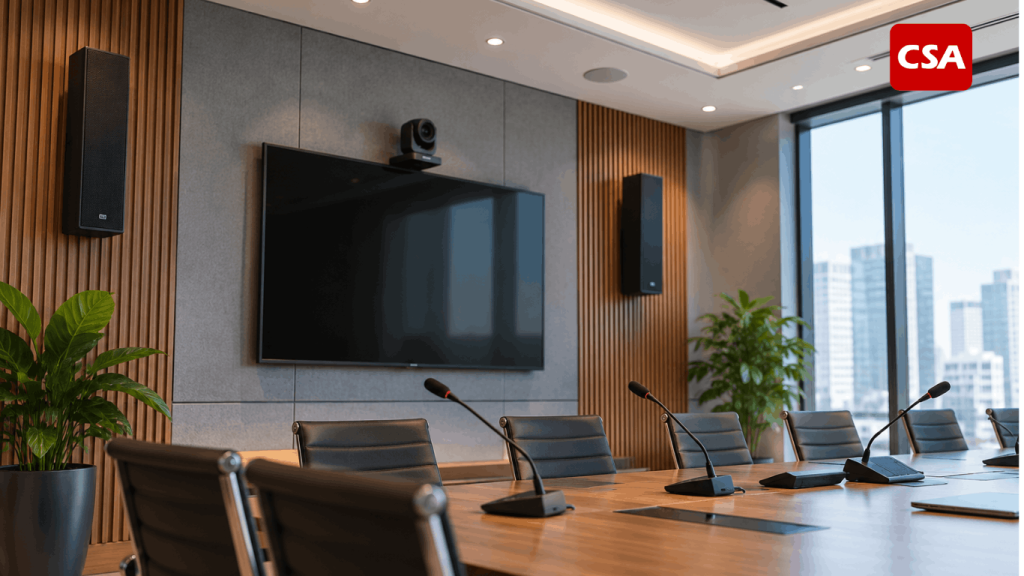
Handheld microphones work well for presentations and audience questions. Lavalier or headset microphones can suit speakers who need to move around freely. Panel discussions may require several microphones so each participant can speak clearly.
Speaker placement also affects the listening experience. Poor distribution can make sound too loud in one area and difficult to hear in another. Room acoustics, echo, and background noise should all be considered during system design.
For hybrid events, the team must also ensure that the speaker’s voice reaches the conferencing platform clearly. Sound that seems acceptable inside the room may not be transmitted with the same quality to remote attendees.
2. Presentation displays for sharing information
Town halls often include business charts, performance figures, strategic plans, and organizational updates. The display system should help participants understand these materials without struggling to read small text or view important details.
Screen size and placement should reflect the room layout and viewing distance. If one screen cannot serve the entire audience effectively, the company may need additional displays.
The team should test presentation materials before the event. Font size, contrast, layout, and video quality can all affect how easily participants understand the information.
Visual technology should serve the content. Data-heavy presentations require clear text and graphics, while video playback or live demonstrations may require different display capabilities.
3. Cameras and conferencing platforms for hybrid town halls
Hybrid town halls allow employees to join from branch offices or other locations. This format helps companies include participants who cannot attend the event in person.
To provide a good remote experience, companies should consider camera positioning, image quality, audio capture, and the conferencing platform. Cameras need to show speakers clearly without obstructing the view of people in the room.
The team should also plan how remote participants will see presentation materials. Poorly managed transitions between speakers and slides can make it difficult to follow the discussion.
Testing should cover the entire event, from opening remarks and presentations to video playback and employee Q&A. This helps identify technical issues before the actual session begins.
4. Control systems for simpler operation
During a town hall, operators may need to switch presentation sources, manage microphones, select camera views, and change the display between speakers and remote participants.
An integrated control system can help operators manage these functions through a more organized workflow. This becomes useful when an event involves multiple audio and visual sources.
However, the level of integration should match the room’s complexity. Not every company needs an elaborate control system. Ease of use, consistent operation, and staff readiness remain important considerations.
Common Challenges During Corporate Town Halls
Even a well-planned event can encounter problems. Some arise from technical limitations, while others result from poor coordination or an unclear event workflow.
Participants do not receive information equally
Employees seated far from the speaker may struggle to hear the presentation or read the screen. Remote attendees may also experience audio interruptions or poor video quality.
These issues create different experiences for people attending the same event. Companies should test the system under realistic conditions, including from the farthest seating positions and through the devices used by remote participants.
Session transitions disrupt the event
Town halls often move between presentations, videos, panel discussions, and Q&A sessions. If the operator does not understand the sequence, switching audio and visual sources can take too long.
An event team should prepare a technical rundown that identifies the presentation order, speaker changes, microphone requirements, and display content for each segment.
The moderator, speakers, and technical operators should review the sequence together before the event. Clear coordination helps everyone understand when to act.
Remote participants feel disconnected
During hybrid events, organizers sometimes focus more on the audience in the room. Remote participants may end up watching passively without enough opportunities to contribute.
Companies can address this by establishing a clear process for collecting and answering questions. A moderator should monitor questions submitted through the conferencing platform and give remote employees opportunities to speak.
The technical team must also ensure that remote questions are audible to the in-room audience. Likewise, remote attendees need to hear the responses without interruptions.
Technical problems occur at critical moments
A malfunctioning microphone, an unresponsive laptop, or a video that fails to play can interrupt the event. Even a minor issue can distract participants from the main discussion.
The team should check equipment, connections, and presentation files before the event begins. Companies should also prepare troubleshooting procedures and backup equipment for critical functions.
Baca Juga: Common Mistakes When Choosing an Office Sound System
Planning More Interactive Hybrid Town Halls
A hybrid town hall should provide a useful experience for both in-person and remote participants. Companies should plan interaction for both groups from the beginning instead of adding remote participation as an afterthought.
Establish the Q&A process in advance
Organizers should decide how participants can ask questions. Options include an open microphone, a moderator-led session, or a Q&A feature in the conferencing platform.
The moderator connects questions from both audiences and helps ensure remote participants receive a fair opportunity to contribute.
This process should be explained at the start of the event so employees understand how to participate.
Design the visual experience for remote attendees
Remote participants need to know who is speaking and which topic is being discussed. Cameras should capture speakers clearly, while presentation content must remain readable.
For panel discussions, the team can adjust camera views to reflect the conversation. Visual transitions should follow the event’s flow rather than distract participants.
Companies planning hybrid communication environments can also read CSA Indonesia’s article on Audio Visual System Integration for Effective Hybrid Meetings. It discusses how integrated technologies support communication between in-person and remote participants.
Run a complete technical rehearsal
Testing should cover the entire event sequence, not simply confirm that each device powers on. The team should simulate speaker changes, video playback, presentation switching, and employee Q&A.
Whenever possible, ask someone outside the venue to evaluate the audio and video received remotely. This can reveal problems that are difficult to notice from inside the room.
A rehearsal also gives the moderator and speakers an opportunity to become familiar with the technical workflow before the event begins.
How to Plan Audio Visual Systems for Corporate Town Halls
A structured planning process helps companies define their requirements before selecting technology. The process should start with communication objectives and event activities, not with a list of equipment to purchase.
1. Identify event requirements and audience needs
Define the purpose of the town hall, expected attendance, venue, and event format. Companies should also establish whether the event will take place regularly or only for specific occasions.
An event involving executives, moderators, panelists, and audience questions has different technical requirements from a one-way presentation. This information helps determine the system’s scale and operational complexity.
It is also useful to identify future requirements. A room that initially supports small internal meetings may eventually host larger events or connect multiple office locations.
2. Assess the room and its infrastructure
Evaluate room dimensions, ceiling height, surface materials, lighting, and seating arrangements. These factors influence the placement of displays, cameras, microphones, and speakers.
Companies should also consider background noise and possible echo. If the room will support different event formats, a flexible system may help accommodate changing seating layouts and presentation requirements.
The assessment should identify cable routes, network connectivity, and power requirements. Addressing these details early can reduce the need for costly installation changes later.
3. Develop the technical design and operating workflow
Once the room and event requirements are clear, the company can develop a technical design. It should explain how presentation sources, audio systems, cameras, displays, and conferencing platforms connect and operate together.
The company should also identify who will operate the system. Equipment with extensive features is not necessarily the best choice if staff members find it difficult to use.
Ease of operation and support for everyday activities should remain part of the decision. A well-designed system should simplify the event workflow rather than introduce additional complexity.
4. Complete installation and system testing
Installation may include equipment mounting, connection setup, system configuration, integration, and functional testing. The team must confirm that all components operate together as intended.
Companies can review CSA Indonesia’s guide to Professional Audio Visual Installation Services in Indonesia to understand the stages involved in implementing an integrated AV environment.
Testing should follow realistic event scenarios. Operators need to confirm that the system continues to work when switching presentation sources, activating microphones, or connecting remote attendees.
5. Prepare documentation and maintenance procedures
An installed system still requires ongoing management. Documentation should cover system connections, operating instructions, inspection procedures, and basic troubleshooting steps.
Companies should also schedule regular checks. Preventive maintenance helps teams identify potential issues before important events take place.
Clear documentation makes it easier for different staff members to operate the system. It also helps the company manage future changes without relying entirely on one individual who understands the original setup.
Choosing an AV System Integration Partner
When a town hall involves multiple connected technologies, companies may benefit from working with an AV System Integrator. The integrator helps translate operational requirements into a system design that suits the room and the event format.
The evaluation should go beyond the ability to supply equipment. Companies should consider experience in planning, installation, integration, testing, commissioning, and post-installation support.
Before choosing a partner, businesses should ask several questions:
-
Does the integrator understand the company’s communication objectives and event requirements?
-
Does the proposed design account for the room layout and possible changes in event format?
-
Can employees operate the system without unnecessary technical complexity?
-
Does the integrator provide testing, documentation, and user guidance?
-
What technical support is available when problems occur?
For a more detailed evaluation framework, companies can read 7 Things to Consider Before Choosing an AV System Integrator. The article outlines considerations that can help businesses assess potential integration partners.
CSA Indonesia provides Audio, Visual, Lighting, and Automation solutions for professional environments. Its system integration approach focuses on planning technology around room requirements and user activities so that different components can operate as a coordinated system.
For a corporate town hall, this approach may cover requirements assessment, system design, installation, integration, and testing. The project scope should reflect the event’s scale and the company’s operational needs.
The right solution does not necessarily have to be the most complex. Companies should prioritize technology that addresses actual requirements, supports a clear operating workflow, and can be maintained over time.
Conclusion
Corporate town halls give businesses an important opportunity to communicate strategy, share business updates, and encourage dialogue between leadership and employees. To make these events effective, companies need to consider the event agenda, room layout, audio clarity, visual presentation, and participation from remote attendees.
The right technology does not have to be the most complex. Companies should choose solutions that match their actual requirements, remain easy to operate, and support consistent performance. With careful planning and proper integration, a corporate town hall can become a more inclusive communication forum that strengthens collaboration across the organization.
FAQ
What is a corporate town hall?
A corporate town hall is an internal company event where leadership and employees come together to discuss business performance, strategic priorities, organizational updates, and employee concerns.
Why are audio visual systems important for corporate town halls?
They help participants hear speakers clearly, view presentations, and follow discussions. Integrated technology can also connect employees attending from different locations.
What is the difference between an in-person and a hybrid town hall?
An in-person town hall takes place at a physical venue. A hybrid town hall combines an in-person audience with remote participants who join through a conferencing platform.
What equipment is commonly needed for a corporate town hall?
Depending on the event, the setup may include microphones, loudspeakers, presentation displays, cameras, conferencing platforms, and a control system. The final configuration depends on room capacity and event requirements.
How can companies make hybrid town halls more interactive?
Companies can use moderated Q&A sessions, give remote employees opportunities to speak, and establish clear ways to submit questions. Technical rehearsals also help ensure both audiences can participate effectively.
When should a company work with an AV System Integrator?
A company may need an AV System Integrator when it requires professional planning, installation, and integration of multiple audio visual technologies. An integrator can help ensure the system matches the room, event format, and operational workflow.