
Universities and educational institutions need reliable technology to deliver lectures clearly, support interactive learning, and improve communication between lecturers and students. One important consideration is the design of an audio visual system for lecture halls, where audio, visual, and control technologies work together to support different teaching activities.
Modern educational facilities require more than a projector and a set of speakers. Depending on the room’s function, the system may include interactive displays, wireless microphones, presentation switching, centralized controls, and video conferencing equipment.
Each component needs to be planned according to the room layout, audience capacity, teaching methods, and technical infrastructure. Without proper integration, individual devices may work independently, making the system more complicated to operate and maintain.
For universities planning to build new classrooms or upgrade existing facilities, a well-designed audio visual system can provide a more consistent teaching experience while supporting future technology requirements.
Why Are Audio Visual Systems Important for Lecture Halls?
Lecture halls have different requirements from smaller classrooms or meeting rooms. A room designed for a limited number of students may need only a basic presentation system, while a large lecture hall requires careful planning for sound distribution, viewing distances, and equipment placement.
Students sitting at the back should be able to see presentation materials clearly and hear the lecturer without difficulty. At the same time, lecturers need an efficient way to switch between presentation sources, play multimedia content, and interact with students.
A poorly planned system can create several operational challenges, including uneven audio coverage, unclear visuals, complicated connections, and difficulties using multiple devices during a lecture.
An integrated approach addresses these issues by coordinating the different components within one system. It also helps technical teams manage equipment, troubleshoot problems, and maintain consistent operation across multiple classrooms.
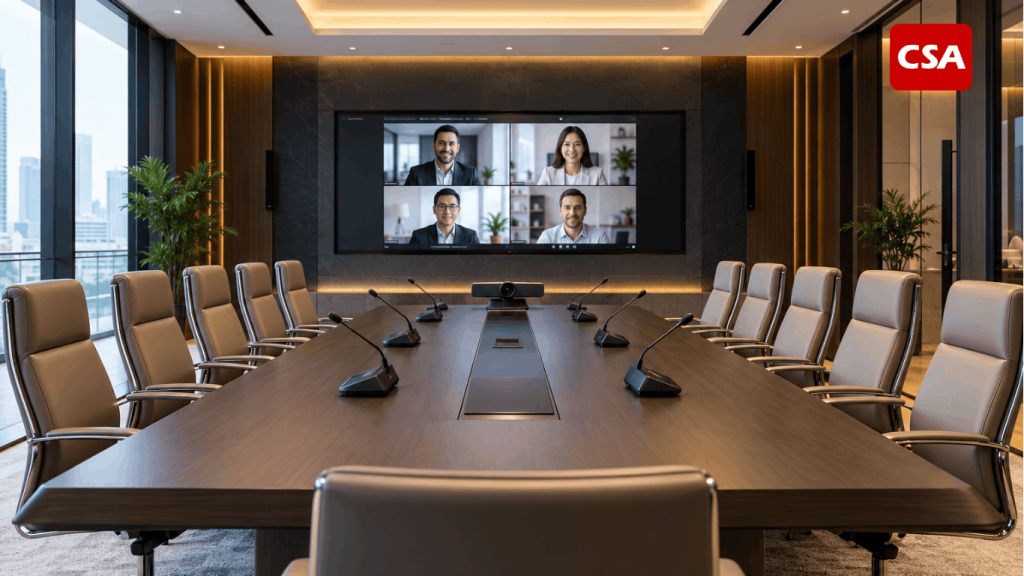
Read Also: Boardroom Audio Visual Systems: A Complete Guide to Design and Integration
Key Components of an Audio Visual System for Lecture Halls
The equipment required for an educational facility depends on its capacity, intended use, and teaching requirements. The following components commonly form part of an integrated solution.
1. Displays and Projectors for Educational Presentations
Visual equipment enables lecturers to present slides, diagrams, videos, simulations, and other learning materials.
Depending on the room’s characteristics, the system may use projectors and projection screens, large-format displays, LED displays, or interactive flat panels.
Several factors should be considered when selecting visual equipment:
- Room dimensions and viewing distance.
- Audience capacity and seating arrangement.
- Ambient lighting conditions.
- Display resolution and content requirements.
- Installation position and mounting requirements.
- The need for touch-based interaction.
For a large lecture hall, the display must provide sufficient visibility for students sitting at different distances from the presentation area. In classrooms that encourage collaborative learning, interactive displays may offer additional ways for lecturers and students to engage with digital content.
The objective is to select visual technology that supports the teaching process rather than choosing equipment based solely on its specifications.
2. Professional Sound Systems and Microphones
Audio quality is essential in educational environments. Students need to understand spoken explanations clearly, particularly in large rooms where distance and room acoustics can affect the listening experience.
A professional sound system may include speakers, amplifiers, digital signal processors, mixers, and other supporting equipment. The configuration should be based on the room layout, acoustic characteristics, audience positions, and intended activities.
Microphone selection also depends on how the room will be used. Wireless microphones can support lecturers who move around while presenting, while table microphones or additional discussion microphones may be useful for seminars and interactive sessions.
Proper speaker placement and system tuning help improve sound distribution across the room. For projects that require professional equipment installation and integration, explore professional audio visual installation services in Indonesia.
3. Presentation Switching and Signal Distribution
University classrooms may use multiple presentation sources, including lecturer laptops, room computers, document cameras, media players, and video conferencing systems.
Presentation switching and signal distribution equipment allow these sources to connect with the appropriate displays and audio visual devices.
With a suitable configuration, lecturers can change presentation sources without repeatedly disconnecting and reconnecting cables. This is particularly useful in facilities used by different lecturers throughout the day.
The design should also consider connection compatibility, signal quality, cable routing, and the possibility of adding new sources in the future.
4. Centralized Control Systems
An integrated control system can simplify the operation of multiple devices through a single interface.
Depending on the system design, lecturers may be able to select presentation sources, adjust volume, operate displays, and control other functions through a touch panel or another user interface.
This approach can be particularly valuable for universities that manage multiple lecture halls with similar equipment configurations.
An intuitive control interface helps reduce the complexity of daily operation. Lecturers can focus on teaching instead of spending unnecessary time managing individual devices.
5. Cameras and Video Conferencing Equipment
Hybrid learning and remote guest lectures can create additional requirements for educational facilities.
Cameras and video conferencing equipment allow lecturers to communicate with remote participants, invite guest speakers, and support learning activities involving people outside the physical classroom.
The system may include conference cameras, microphones, speakers, displays, and video conferencing platforms.
Camera placement should consider the lecturer’s position, the audience area, and the intended viewing angle. Audio equipment must also be coordinated with the conferencing system to support clear two-way communication.
Not every lecture hall requires a complex hybrid learning configuration. The appropriate solution depends on how the institution intends to use the space.
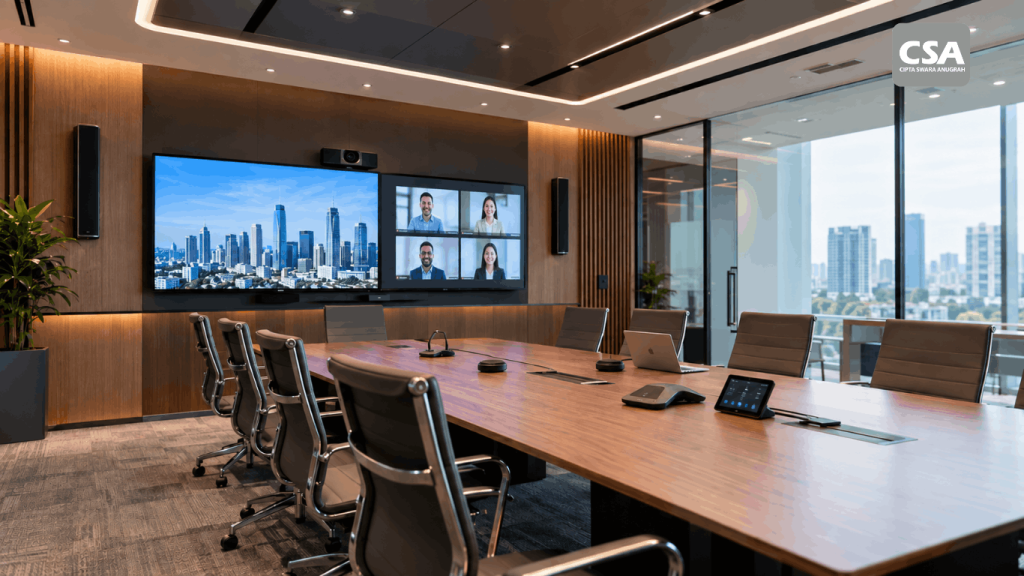
Read Also: Audio Visual for Corporate Offices: What Systems Are Needed?
Differences Between Classroom and Lecture Hall AV Requirements
Although classrooms and lecture halls share similar objectives, their technical requirements can differ significantly.
A standard classroom generally focuses on presentations, discussions, and direct interaction between lecturers and students. Its system may include a display or projector, microphones, speakers, and connections for presentation devices.
A lecture hall presents additional challenges because of its larger capacity and dimensions. Sound coverage, display visibility, equipment positioning, and signal distribution require more detailed planning.
Facilities that support hybrid learning or lecture recording may also require cameras, video conferencing systems, and additional audio connections.
For larger educational venues, the principles used in auditorium projects can provide useful guidance. Learn more about audio visual solutions for auditoriums and large-scale venues.
The key is to design the system around the room’s function instead of applying the same equipment configuration to every space.
Factors to Consider Before Choosing an Audio Visual System
Selecting equipment should begin with an assessment of the facility’s operational needs. The following considerations can help universities determine an appropriate solution.
1. Room Capacity and Physical Characteristics
The number of students, room dimensions, ceiling height, seating arrangement, lighting, and acoustic conditions all influence equipment selection.
A system suitable for a small classroom may not provide sufficient sound coverage or display visibility in a large lecture hall.
A site survey helps identify installation requirements, cable pathways, equipment positions, and potential technical constraints before implementation begins.
2. Equipment Compatibility
Audio visual devices must work together according to the intended system design.
Compatibility considerations include connection types, signal formats, network requirements, control interfaces, and integration with existing equipment.
Evaluating these factors before purchasing devices can reduce the risk of connection problems and unnecessary modifications during installation.
3. Ease of Operation
A sophisticated system is not necessarily the most suitable option if it is difficult for lecturers to operate.
The user interface should support common tasks, such as selecting presentation sources, adjusting audio levels, and starting a video conferencing session.
Simple workflows can reduce the need for technical assistance during everyday teaching activities.
4. Maintenance and Future Expansion
Educational facilities may change as student numbers increase, teaching methods evolve, or new technologies become available.
The system design should therefore consider maintenance access, equipment replacement, technical support, and potential future expansion.
Planning for scalability can help institutions update their facilities without having to redesign the entire system whenever new requirements arise.
5. System Design Before Installation
System design is an essential stage in an audio visual project. It connects the institution’s operational requirements with the technical configuration needed to support them.
The design process may include equipment layouts, signal flow, speaker coverage, camera placement, cable routing, control requirements, and integration with existing infrastructure.
Read more about why audio visual design is essential before installation.
Stages of an Integrated Audio Visual Project for Educational Facilities
A structured implementation process helps ensure that the system meets the institution’s requirements and performs as intended.
1. Requirements Analysis
The process begins by identifying the room’s purpose, audience capacity, teaching methods, presentation requirements, and potential hybrid learning needs.
These details provide a foundation for determining the system’s scope.
2. Site Survey and Technical Planning
The project team evaluates the room’s physical conditions and existing infrastructure.
The survey may examine dimensions, seating positions, electrical access, network connectivity, cable routes, mounting locations, and acoustic considerations.
The findings support the development of a practical system design.
3. Equipment Selection and System Integration
Equipment should be selected based on the requirements established during planning.
The selected displays, microphones, speakers, switching equipment, cameras, and control systems must be evaluated as parts of one solution.
For a broader overview of the technologies involved, read this guide to devices included in an integrated audio visual system.
4. Installation and Testing
Once the design and equipment have been approved, installation can proceed according to the technical plan.
Testing should verify that the devices operate correctly, audio coverage meets the requirements, visual content displays properly, and the control interface functions as intended.
The system should be evaluated before the room enters regular use so that potential issues can be identified and addressed.
5. Handover and User Guidance
After testing and commissioning, users should receive appropriate guidance on operating the system and performing basic checks.
Technical documentation can also help the institution’s facilities or IT team manage maintenance and future upgrades.
A clear handover process helps ensure that the system remains practical for everyday teaching activities.
Why Work with an AV System Integrator?
Integrating multiple audio visual devices requires more than installing individual products. The system must account for equipment compatibility, signal distribution, room characteristics, user workflows, and technical requirements.
An AV System Integrator helps coordinate these elements, from requirements analysis and system design to equipment integration, testing, and commissioning.
This approach allows the institution to evaluate the complete solution rather than selecting devices independently.
For educational facilities, system integration can help simplify operation, reduce the risk of compatibility issues, and provide a more organized foundation for future expansion.
To understand the role and process in greater detail, read what an AV System Integrator does and how AV system integration works.
Integrated Audio Visual Solutions for Educational Facilities with CSA Indonesia
Every educational facility has different requirements. Some classrooms primarily need presentation displays and microphones, while large lecture halls may require more extensive sound distribution, multiple visual sources, centralized controls, or hybrid learning capabilities.
CSA Indonesia can be considered as a partner for discussing audio visual requirements and developing a solution based on the intended use of the space.
A project should begin with an assessment of the institution’s needs, followed by site evaluation, system design, equipment selection, installation planning, and integration.
This process helps ensure that the proposed configuration reflects the actual requirements of the facility rather than relying only on individual equipment specifications.
For universities planning new lecture halls, upgrading existing classrooms, or improving audiovisual infrastructure across multiple facilities, early technical planning can help clarify the scope of work and the system requirements.
Institutions can contact CSA Indonesia to discuss their project requirements and explore suitable audio visual integration options.
Conclusion
An integrated audio visual system can support more effective teaching by improving presentation visibility, sound distribution, connectivity, and equipment operation.
Choosing the right solution requires careful consideration of room capacity, acoustic conditions, teaching methods, equipment compatibility, and future expansion plans.
For universities planning to build or upgrade classrooms and lecture halls, system design should be treated as an essential part of the project rather than an afterthought.
With an appropriate integration strategy, educational facilities can establish an audio visual environment that supports daily teaching activities while remaining adaptable to changing technology requirements.
Frequently Asked Questions (FAQ)
1. What is an audio visual system for a lecture hall?
An audio visual system for a lecture hall combines audio, visual, control, and supporting technologies to facilitate teaching and presentations. Depending on the room’s requirements, it may include projectors, displays, speakers, microphones, switching equipment, and video conferencing devices.
2. What equipment is needed for a university lecture hall?
The required equipment depends on the room’s size and intended use. Common components include a display or projector, a sound system, microphones, presentation switching, and a control interface. Cameras and video conferencing equipment may be added for hybrid learning.
3. What is the difference between classroom and lecture hall AV systems?
Classroom systems generally support presentations and interaction in smaller spaces. Lecture halls require more detailed planning for sound coverage, display visibility, equipment placement, and signal distribution because they accommodate larger audiences.
4. Why is audio visual system design important before installation?
System design helps determine equipment configuration, installation positions, cable routing, signal distribution, and control requirements. It also helps identify potential technical problems before installation begins.
5. What are the benefits of working with an AV System Integrator?
An AV System Integrator coordinates equipment, connectivity, and control functions so that they operate as one system. This can simplify operation, reduce compatibility risks, and support the institution’s technical requirements.
6. How can a university choose the right audio visual solution?
The institution should begin by assessing the room’s purpose, audience capacity, teaching methods, acoustic conditions, presentation needs, and future expansion plans. A site survey and technical design can then help determine an appropriate equipment configuration.