
Modern commercial spaces rely on multiple technologies to support communication, collaboration, and daily operations. Meeting rooms use displays, microphones, speakers, and video conferencing systems. Hotels and event venues depend on audio, visual, and lighting equipment to create consistent experiences for guests. As these technologies become more advanced, managing each device separately can make operations more complicated.
This is where AV Control and Automation becomes valuable. By connecting audio visual equipment and related systems through a centralized control platform, businesses can simplify daily operations, reduce manual tasks, and improve the user experience.
Rather than operating every device individually, users can manage multiple functions through a single interface or activate predefined scenarios. For businesses planning an integrated technology environment, understanding how control and automation work together is an important step toward creating a more efficient commercial space.
What Is AV Control and Automation?
AV Control and Automation refers to the technologies and programming used to manage audio visual equipment and automate selected functions within a room or facility.
An AV control system allows users to operate connected devices through an interface such as a touchscreen, wall panel, keypad, or compatible control application. Depending on the system design, users may adjust audio levels, select display sources, operate cameras, control lighting, and manage other supported functions from one location.
Automation adds predefined actions and sequences to these controls. Instead of requiring users to operate every device manually, the system can perform selected tasks based on a command, schedule, sensor, or programmed scenario.
For example, a meeting room may use a single “Start Meeting” command to activate the display, prepare the conferencing equipment, select the required input, and adjust the lighting. The exact functions depend on the connected devices and system configuration.
Businesses can explore the broader concept of integrated technology in What Is AV System Integration? A Complete Guide for Modern Businesses.
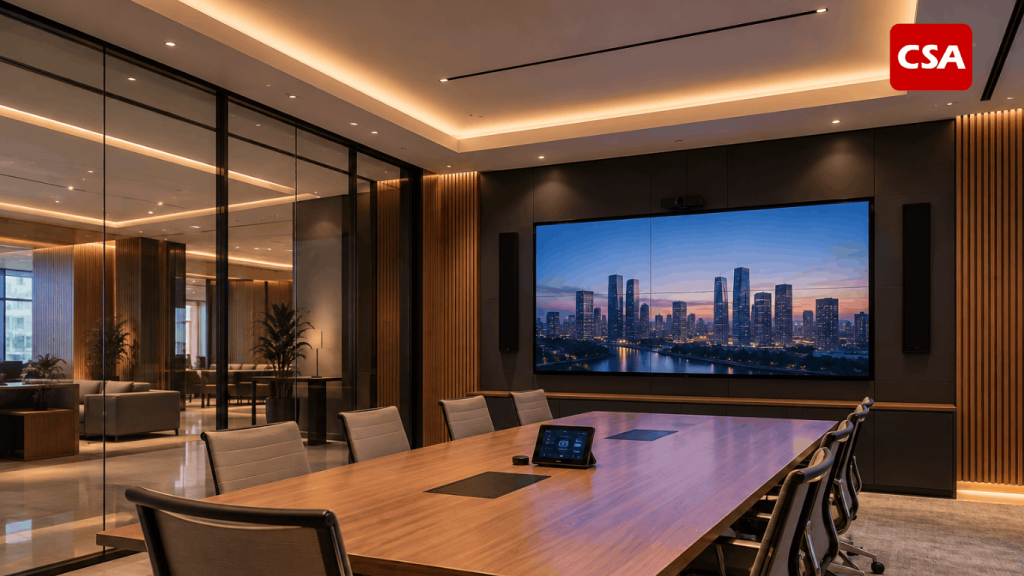
Read Also: Audio Visual Lighting: How Integrated Systems Improve Modern Commercial Spaces
What Is the Difference Between AV Control and Automation?
Although control and automation are closely related, they serve different purposes.
AV control allows users to manage equipment and functions through a centralized interface. It provides direct access to commands such as switching display sources, adjusting volume, selecting cameras, or changing room settings.
AV automation uses programmed logic to execute actions automatically or through a single command. It can reduce repetitive tasks and make room operations more consistent.
Consider a corporate meeting room. With a control system, a user can turn on the display, select the presentation input, and adjust the volume individually. With an automated meeting scenario, one command may trigger several compatible functions in sequence.
The distinction matters because not every project needs extensive automation. A small room may only require straightforward controls, while a large boardroom, hotel ballroom, or multi-purpose venue may benefit from more advanced scenarios.
The right approach depends on the room’s operational requirements, connected equipment, and the experience expected by its users.
Key Components of an AV Control and Automation System
An effective system combines hardware, software, communication infrastructure, and programming. Each component has a specific role in ensuring that the connected technologies operate as intended.
1. Control Processor
The control processor executes commands and coordinates supported devices within the system. It acts as the central processing component for programmed actions and automation sequences.
Depending on the project, it may communicate with displays, audio processors, video conferencing equipment, lighting controllers, and other compatible devices.
The processor must be selected according to system complexity, device compatibility, communication requirements, and future expansion plans.
2. Touchscreen and User Interface
The user interface provides a practical way to operate the system. It may take the form of a touchscreen, wall-mounted panel, keypad, or supported application.
A well-designed interface groups related functions into clear options. For example, users might select “Presentation,” “Video Conference,” or “End Meeting” rather than navigate through multiple technical settings.
This approach is particularly useful in commercial environments where different people use the same room throughout the day.
3. Audio and Visual Equipment
The system may integrate microphones, speakers, digital signal processors, displays, projectors, cameras, and video conferencing devices.
These components need to work together according to the intended workflow. For instance, a presentation scenario may select the correct display input while ensuring that the audio source is routed appropriately.
Businesses can learn more about the equipment involved in What Devices Are Included in an Integrated Audio Visual System? A Complete Guide for Smart Meeting Rooms and Modern Buildings.
4. Lighting and Other Building Systems
Depending on the project’s scope, AV control and automation may extend beyond traditional audio visual equipment. Supported lighting systems, motorized screens, curtains, and other compatible technologies may also be integrated.
This makes it possible to create coordinated room scenarios. A presentation mode, for example, could adjust lighting levels and activate the required display equipment together.
For commercial venues, integrated lighting is especially relevant because different activities may require different lighting conditions. Read more about Lighting Design Integrated with AV System with CSA Indonesia.
5. Network and Communication Infrastructure
Connected devices need a reliable way to exchange commands and information. Depending on the equipment, communication may use network protocols, serial connections, contact closures, or other supported interfaces.
Network planning is therefore an important part of the system design. Addressing, access permissions, device compatibility, and network reliability should be considered before installation.
A well-planned infrastructure also helps technicians troubleshoot issues and assess whether the system can accommodate future devices.
How Does AV Control and Automation Work?
The operation of an integrated system generally follows a series of connected steps.
Step 1: A User Selects a Command
The process begins when a user selects an action through a touchscreen, keypad, or other supported interface. The command might activate a room scenario, change a display source, or adjust the audio settings.
Step 2: The Control System Processes the Command
The control processor interprets the command and executes the programmed logic. It determines which connected devices should receive instructions and in what sequence.
Step 3: Connected Devices Perform the Required Actions
Compatible devices respond to the commands. A display may switch to the selected source, a camera may activate, and a lighting controller may apply the programmed setting.
Step 4: Automation Coordinates Multiple Functions
When a scenario involves several devices, the programmed sequence coordinates their actions. Depending on the system, additional conditions or feedback may be used to confirm device status and support reliable operation.
Step 5: The System Returns to the Appropriate State
When an activity finishes, users may select an end-of-session command. The system can then perform configured actions, such as shutting down displays, restoring room settings, or turning off selected equipment.
For a practical example of centralized room management, see What Is a Room Control System? How It Works and Its Benefits for Smart Meeting Rooms.
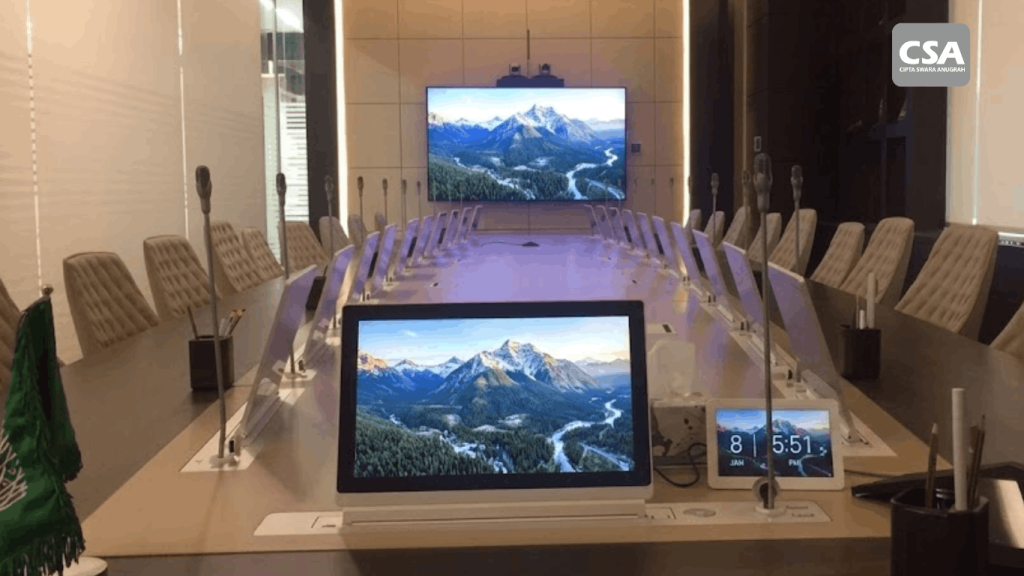
Read Also: Room Automation System: Smart Meeting Room Integration Technology for Modern Businesses
Benefits of AV Control and Automation for Commercial Spaces
Simplified Daily Operations
Managing several devices separately can require users to remember different controls and operating procedures. A centralized interface reduces that complexity by bringing supported functions together.
Employees, facility managers, and venue operators can access common commands without needing to understand every technical detail of the installation.
More Consistent User Experiences
Predefined scenarios help standardize common activities. A meeting room can follow the same startup sequence each time, while an event venue can prepare selected audio, visual, and lighting settings for different types of events.
Consistency still depends on correct configuration, device compatibility, and regular system maintenance.
Reduced Manual Tasks
Automation can eliminate repetitive steps, especially in rooms used frequently throughout the day. Users may activate multiple functions through one command rather than operate every device individually.
This can help reduce setup time, although actual improvements depend on the original workflow and the extent of automation.
Better Coordination Between Systems
Integrated control allows compatible devices to work as part of a coordinated environment. Audio, displays, video conferencing, and lighting can be managed according to the requirements of each activity.
This is particularly useful when a space supports several functions, such as presentations, video conferences, training sessions, and events.
Greater Flexibility for Future Needs
A well-planned system can accommodate changes in room usage and technology requirements. Businesses should consider scalability during the design stage so that future upgrades can be evaluated without unnecessarily redesigning the entire installation.
For a broader look at integration benefits, read Audio Visual System Integration for Effective Hybrid Meetings: A Modern Collaboration Solution with CSA Indonesia.
Applications of AV Control and Automation
Meeting Rooms and Boardrooms
Meeting rooms are among the most common applications. A centralized system can coordinate displays, microphones, speakers, cameras, and conferencing equipment.
Users may select a presentation or video conferencing scenario based on the meeting format. This helps simplify room operation and reduce the number of manual steps required before a meeting begins.
For related considerations, see How to Design an Audio Visual System for a Corporate Meeting Room.
Corporate Offices and Smart Workplaces
Corporate offices may use integrated controls in meeting spaces, training rooms, executive boardrooms, and shared collaboration areas.
Standardized interfaces can make it easier for employees to move between rooms without learning different operating procedures. Automation may also support recurring activities, such as preparing presentation spaces or shutting down selected equipment after use.
Businesses planning connected workplaces can also read How Integrated AV Systems Work for Modern Workplaces and Smart Meeting Rooms.
Hotels and Ballrooms
Hotels and event venues often need flexible technology for meetings, conferences, weddings, and other functions. Each activity may require different audio levels, lighting conditions, display content, and equipment configurations.
AV control and automation can help operators select suitable scenarios for each event. In larger venues, the system may also coordinate equipment across multiple zones, depending on the design.
Lighting integration is particularly relevant in these environments. Related insights are available in Lighting Control System for Hotels, Ballrooms, and Commercial Buildings with CSA Indonesia.
Auditoriums and Event Spaces
Auditoriums and event spaces may contain complex audio systems, projection equipment, large displays, stage lighting, and presentation controls.
Centralized operation can help technical operators manage these systems from a coordinated interface. Different scenarios may be programmed for presentations, performances, seminars, or other activities.
The system design must account for the venue’s size, equipment requirements, operating procedures, and technical support needs.
Businesses planning these environments can explore Audio Visual for Auditorium: Integrated AV Solutions for Large-Scale Venues.
Important Considerations Before Implementing AV Control and Automation
Identify the Actual Requirements
Start by identifying how the space will be used, who will operate the equipment, and which tasks need to be simplified. This helps prevent unnecessary complexity and keeps the system aligned with business objectives.
Check Device Compatibility
Not every device supports every control method. Before choosing equipment, confirm its available interfaces, communication protocols, and compatibility with the proposed control platform.
Prioritize Ease of Use
An advanced system is not automatically an effective one. Interfaces should reflect how people use the room, with common commands easy to find and unnecessary technical options kept out of the way.
Consider Network Security and Reliability
Network-connected systems need appropriate access controls, configuration management, and security practices. Businesses should also consider how the system will behave when a device becomes unavailable or communication is interrupted.
Plan for Maintenance and Expansion
Control systems require documentation, testing, and ongoing support. Businesses should also consider whether future devices, room changes, or new operating requirements can be accommodated.
A structured implementation process helps address these issues. For more context, read What Is an AV System Integrator? Understanding the Role and AV System Integration Process.
Choosing the Right AV Control and Automation Partner
Implementing AV Control and Automation involves more than selecting a control processor or touchscreen. The system must be designed around the room, connected equipment, user workflows, and operational requirements.
An experienced AV integration partner can assess these requirements, develop a suitable system design, configure device communication, program the control interface, and test the completed installation.
The implementation process should also include documentation and user training. These help facility managers and operators understand how the system works and what to do when they encounter common issues.
Before making a decision, businesses should review the proposed scope, compatibility considerations, commissioning process, maintenance arrangements, and opportunities for future expansion.
For further guidance, see 7 Things to Consider Before Choosing an AV System Integrator.
Conclusion
AV Control and Automation helps businesses manage connected audio visual technologies through centralized interfaces and programmed workflows. By coordinating supported devices, these systems can simplify daily operations, reduce repetitive tasks, and create more consistent experiences across commercial spaces.
Applications range from meeting rooms and corporate offices to hotels, ballrooms, auditoriums, and other multi-purpose venues. However, successful implementation depends on clear requirements, compatible equipment, reliable infrastructure, intuitive controls, and proper commissioning.
Businesses should therefore evaluate the entire operating environment before choosing a solution. A well-designed system focuses on practical user needs while allowing room for future development.
For organizations planning integrated audio visual environments, CSA Indonesia’s experience in AV integration and automation can help inform the design and implementation process.
Frequently Asked Questions (FAQ)
1. What is AV Control and Automation?
AV Control and Automation combines centralized control of audio visual equipment with programmed actions that simplify common tasks. Depending on the system, it can manage displays, audio equipment, cameras, lighting, and other compatible devices.
2. What is the difference between AV control and AV automation?
AV control allows users to operate devices through an interface. AV automation executes predefined actions or sequences based on commands, schedules, sensors, or programmed conditions.
3. Which devices can be integrated into an AV control system?
Depending on compatibility and project requirements, the system may integrate displays, projectors, speakers, microphones, digital signal processors, cameras, video conferencing equipment, lighting controllers, and motorized screens.
4. Where is AV Control and Automation commonly used?
Common applications include corporate meeting rooms, boardrooms, offices, hotels, ballrooms, auditoriums, training rooms, and event spaces.
5. Does AV automation eliminate the need for manual control?
Not necessarily. Automation can reduce repetitive operations, while manual controls may remain available for adjustments, exceptions, and situations requiring direct user intervention.
6. What should businesses consider before implementing AV Control and Automation?
Businesses should evaluate room usage, user requirements, device compatibility, control interfaces, network infrastructure, security, maintenance, and future expansion needs.
7. Can AV Control and Automation integrate lighting systems?
Yes, when the lighting equipment and control platform support the required integration. This allows lighting settings to be coordinated with audio visual scenarios.
8. Why is professional AV system integration important?
Professional integration helps ensure that devices are compatible, control logic is configured correctly, interfaces are usable, and the completed system is tested against the project’s requirements.
9. Can an AV control system be expanded in the future?
It may be possible, depending on the control platform, infrastructure, available capacity, and compatibility of future devices. Expansion should be considered during the initial design.
10. What is the first step in planning an AV Control and Automation project?
The first step is to define how the space will be used, identify the devices and functions required, and document the workflows that should be simplified. These requirements form the basis for system design and equipment selection.